
Setup overview
Spantail is single-tenant: one deployment serves one organization, running entirely on your own Cloudflare account. This guide takes you from an empty account to a running instance with your first administrator signed in.
How it runs
Section titled “How it runs”A single Cloudflare Worker serves everything — the REST API (/api/v1), the MCP endpoint
(/mcp), public share views (/share/*), and the React SPA. It is backed by a small set of
Cloudflare resources:
| Resource | Binding | Role |
|---|---|---|
| D1 database | DB |
Primary database. |
| R2 bucket | UPLOADS |
User-uploaded media (avatars, workspace logos). |
| Durable Object | USER_HUB |
Realtime fan-out for live updates over SSE. Idle unless an admin enables realtime updates. |
| Email Service | EMAIL |
Outbound email. Optional and inert until you onboard a sending domain. |
| Rate limiter | INGEST_RATE_LIMITER |
Per-credential cap on the untrusted ingest path. |
See the bindings and secrets in detail on the Configuration page.
Requirements
Section titled “Requirements”- A GitHub account and a Cloudflare account
- Node.js 24+, pnpm 11+, and Wrangler v4 — only for a local trial, the manual deploy, or database backups; the recommended fork + Workers Builds deploy runs entirely in Cloudflare's build environment
The Workers Free plan is enough to run the core. Two optional features are off by default because they don't fit the Free plan:
- Email delivery — Cloudflare Email Service needs a Workers Paid plan and a verified sending domain. Until you enable it, you add members directly with generated passwords.
- Realtime updates — live updates over SSE keep a per-user Durable Object running for every connected tab, and that duration can exhaust the Free plan's daily quota within hours. While off, screens refresh when a tab regains focus.
Both are single switches in System settings once you're on a plan (or usage level) that fits.
Set up Spantail
Section titled “Set up Spantail”-
Deploy to Cloudflare — provision D1 and R2, set the session secret, run migrations, and deploy the Worker.
-
Configuration — the full reference for environment variables, secrets, and bindings.
-
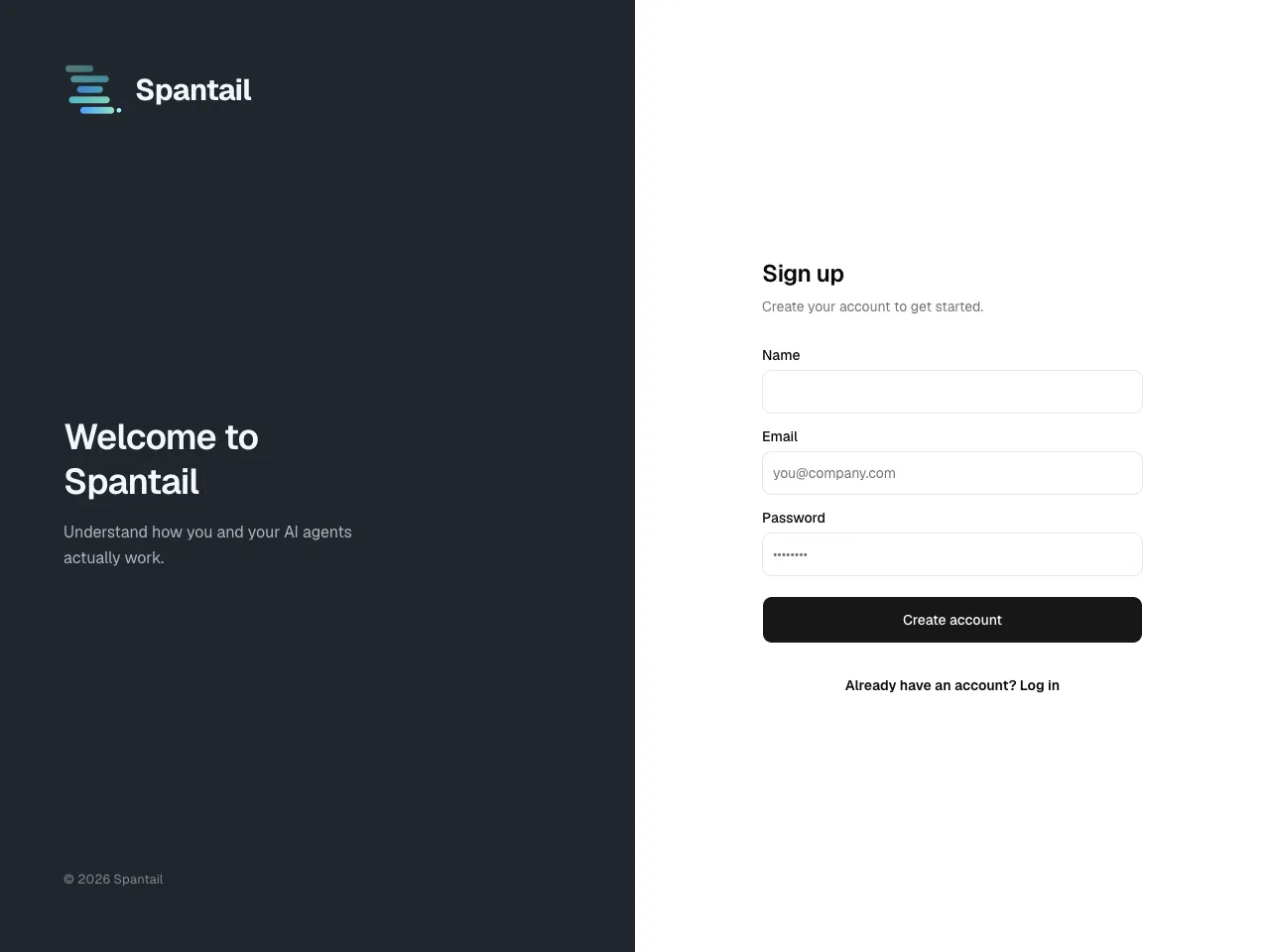
Initial setup wizard — sign up as the first administrator and walk through the in-app wizard to create your workspace and invite your team.
-
Security — the secure-by-default behavior to rely on and the hardening steps to take.