System settings
The System group in Settings holds the instance-wide administration. Users and GitHub have their own pages (User management, GitHub integration); this page covers the two that remain: the Features page, where the instance-wide switches live, and the System page, which shows the version.
The credentials these features depend on — SMTP/email routing and OAuth client secrets — are set once at deploy time as environment secrets, not in this UI. See Configuration in the Setup Guide.
Features
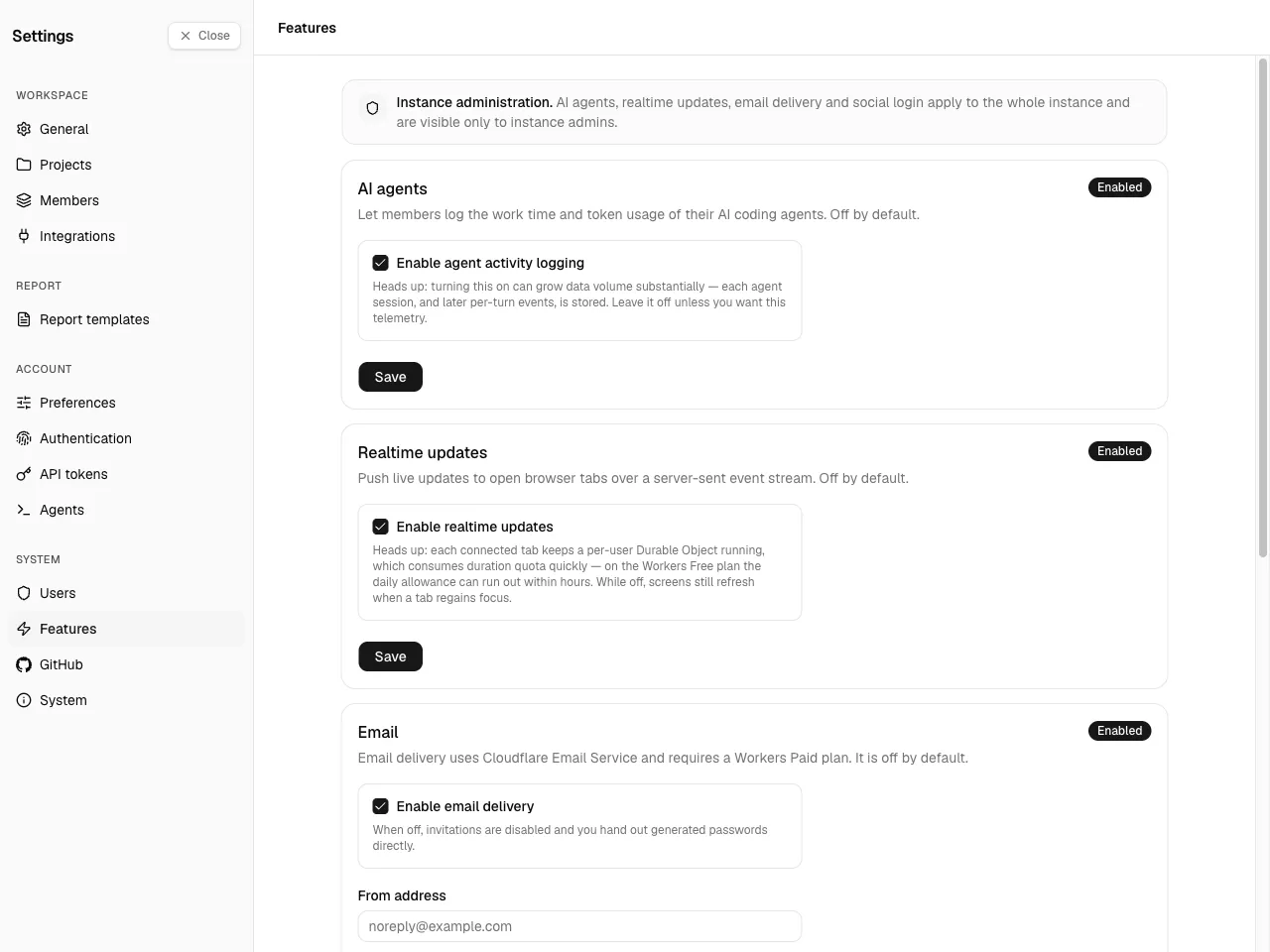
Section titled “Features”Settings → System → Features. One page, instance admin only, gathering every instance-wide feature switch: AI agents, realtime updates, email, and social login. Each is a card you toggle and Save independently.
AI agents
Section titled “AI agents”A single switch for the agent-activity feature.
- On — users can create agents and the Account → Agents screen appears for them, so AI agents can ingest their sessions.
- Off (default) — the agents UI is hidden and no new agents can be created.
Turning it on can grow data volume substantially — each agent session, and later per-turn events, is stored — so leave it off unless you want that telemetry.
Realtime updates
Section titled “Realtime updates”A single switch for live updates over Server-Sent Events.
- On — open browser tabs receive changes (new entries, projects, reports, messages) the moment they happen, without a reload.
- Off (default) — screens still refresh whenever a tab regains focus; nothing is pushed in between.
The switch exists because every connected tab keeps a per-user Durable Object running, and that duration counts against your Cloudflare account's daily quota — on the Workers Free plan a handful of active users can exhaust it within hours. Enable it on a Workers Paid plan, or on the Free plan when only a few people use the instance. Turning it off applies to new connections; already-open tabs keep their stream until they reload.
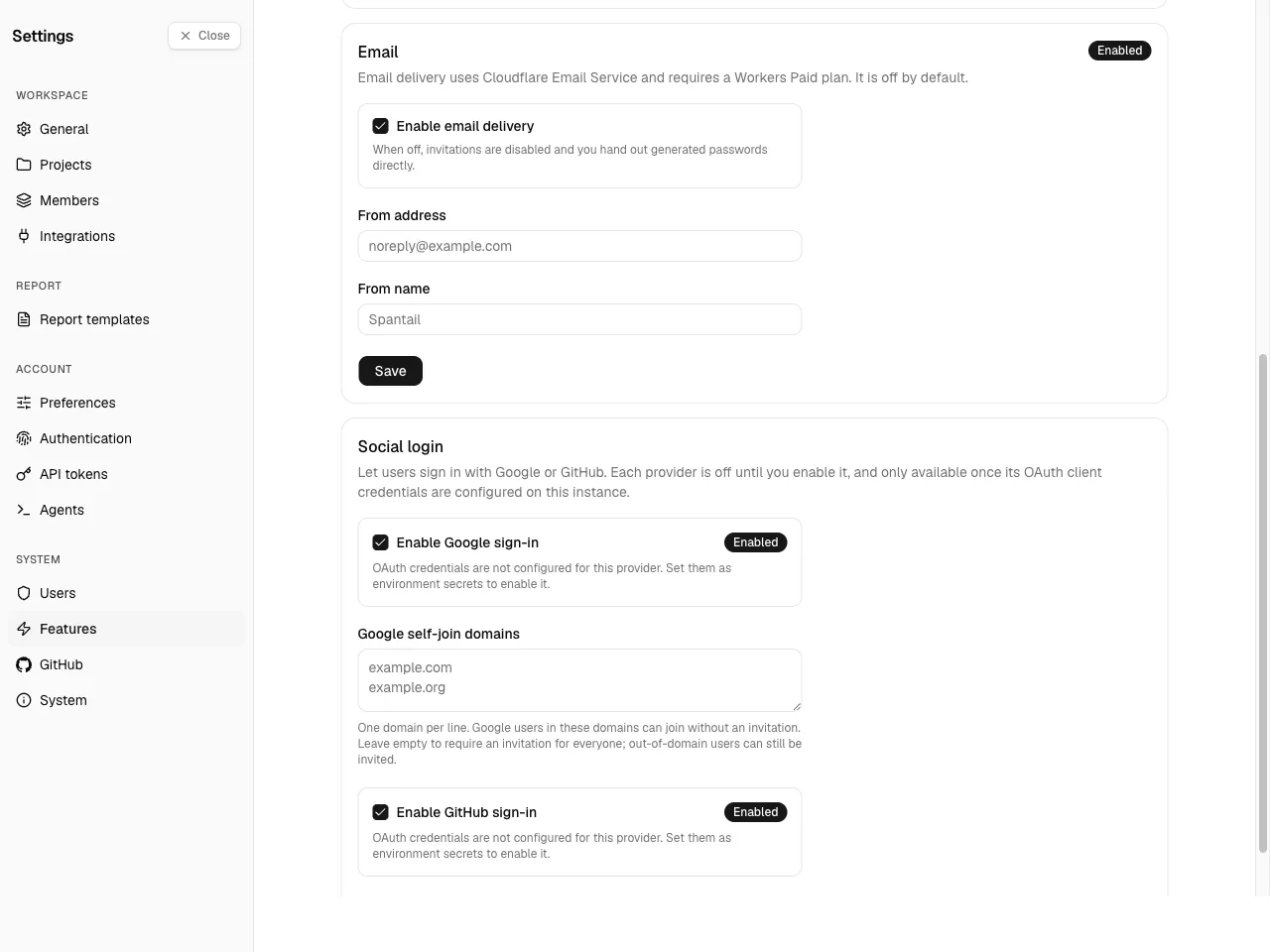
Controls whether Spantail sends mail (invitations, password resets, report delivery). It uses Cloudflare Email Service and needs a Workers Paid plan; it is off by default.
Delivery only works after Email Sending is set up on the Cloudflare account that runs the
Worker. The From address's domain must be a zone on that account; onboard it under
Compute & AI → Email Service → Email Sending → Onboard Domain (this adds the required SPF
and DKIM DNS records) or with npx wrangler email sending enable <domain>. The From address
below must use the onboarded domain. See the
Email Service getting-started guide.
- Enable email delivery — turn delivery on or off.
- From address — the sender address (required to enable delivery).
- From name — an optional friendly sender name.
You cannot enable email without a From address — that guard prevents invitations from failing at send time. When email is off, user onboarding switches to direct account creation with a one-time temporary password instead of emailed invitations (see User management).
Social login
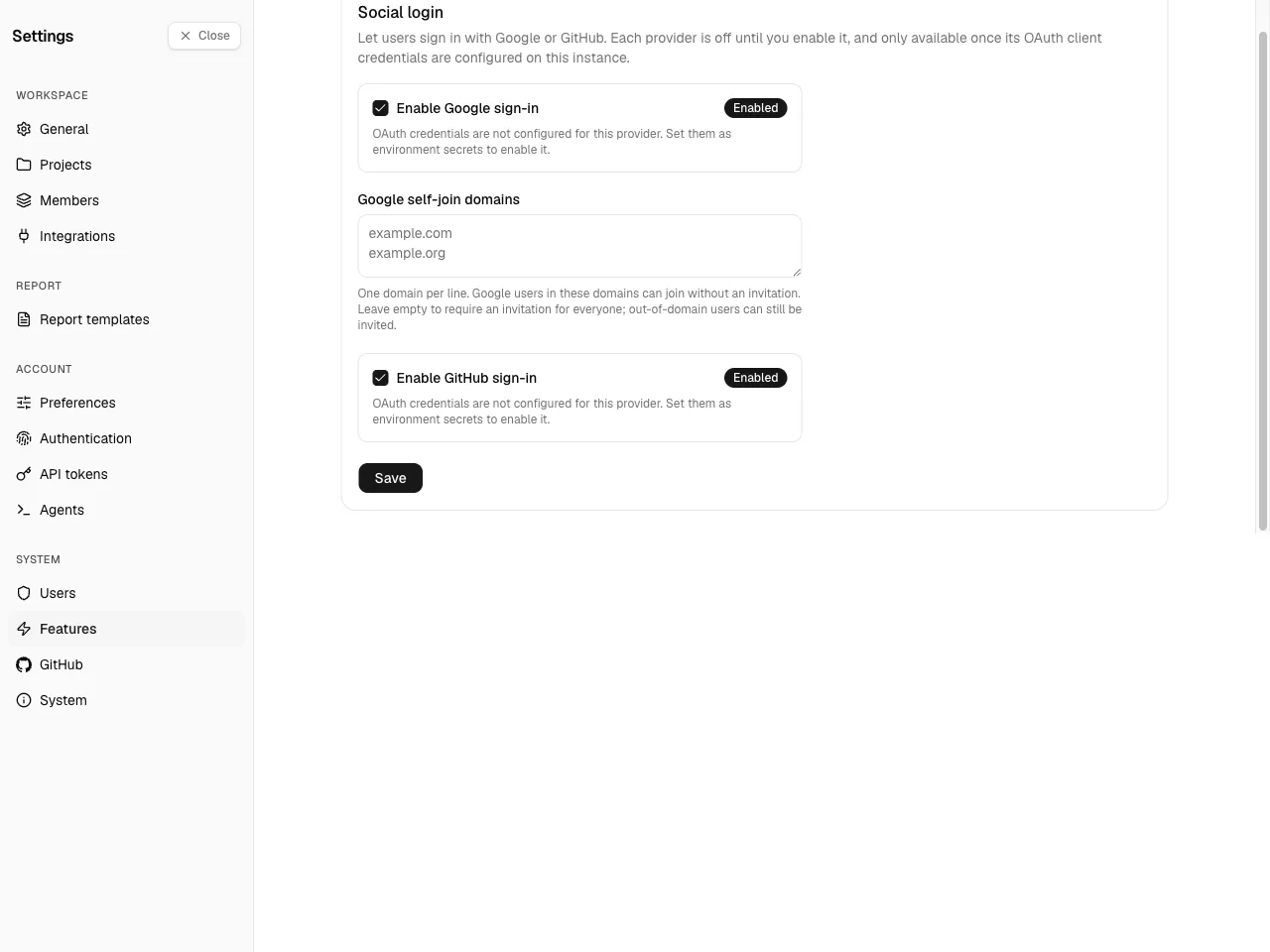
Section titled “Social login”Lets users sign in with Google or GitHub in addition to email and password.
- Per-provider toggle — enable Google and GitHub independently. A provider can only be enabled once its OAuth credentials are present in the environment; until then it stays disabled with a hint. Registering the OAuth app with the provider and setting the client ID and secret on the Worker is covered in Configuration → Social login.
- Google self-join domains — one domain per line. Google users in these domains can join without an invitation. Leave it empty to require an invitation for everyone; out-of-domain users can still be invited.
Social login stays unavailable until the instance has its first admin — a deliberate safeguard so nobody can claim the instance through social sign-in before it is set up. See Security for the bootstrap rules.
System
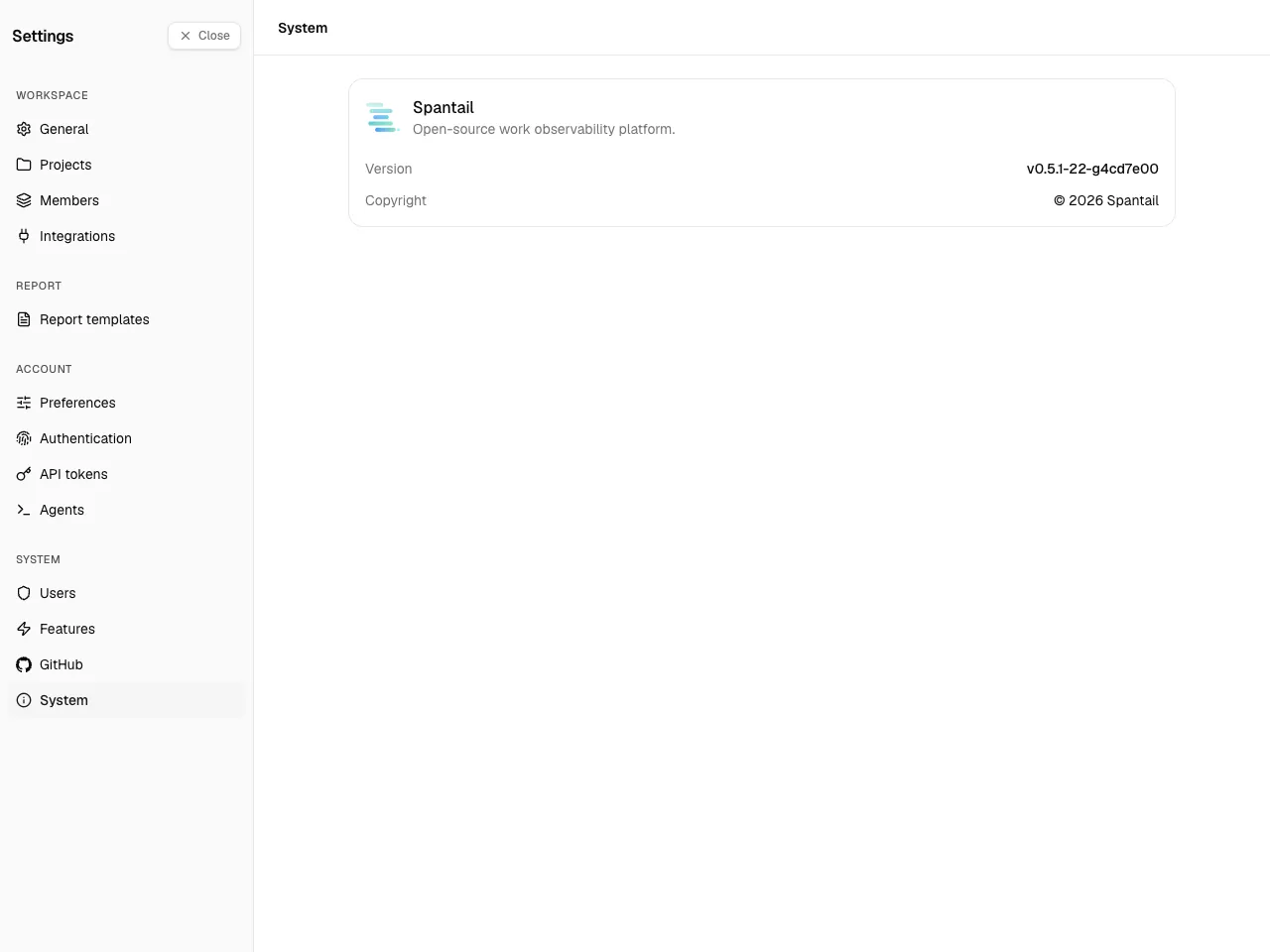
Section titled “System”Settings → System → System. Unlike the rest of System, this page is visible to every user, not just instance admins — so anyone can see which version the instance runs.
It shows the product name, the running Version (linked to the matching GitHub release), and the Copyright. There is nothing to configure here.