
Managing templates
Settings → Report → Report templates. Open to instance admins and users with the template-author capability.
A template is a presentation format — nothing more. It is independent of any workspace, project, user, or period: when someone composes a report they freely pair any template with any scope and date range. Templates are instance-wide, so every workspace draws from the same list.
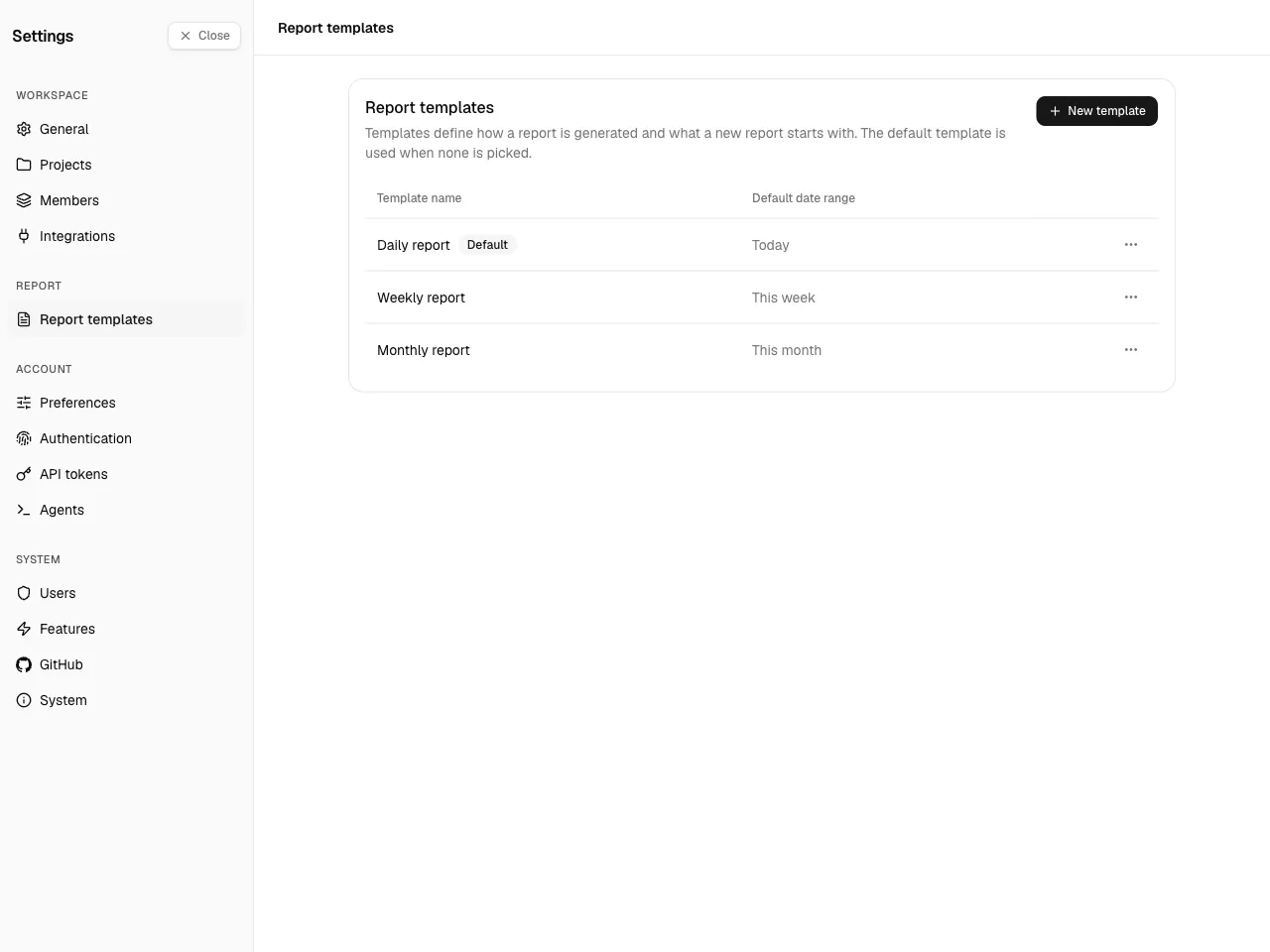
Starter templates
Section titled “Starter templates”When the first user signs up and becomes the instance admin, Spantail seeds the starter catalog in that admin's language, so reports are always composable from the start. You can edit, disable, or replace them like any other template. An instance later emptied of every template is not re-seeded — the next template you create becomes the default.
| Template | Purpose | Default date range |
|---|---|---|
| Daily report | One day's work across your workspaces, entry by entry — for a daily meeting. | Today |
| Weekly report | The week's activity grouped by project — for an iteration meeting. | This week |
| Monthly report | A monthly work report to submit to a client — summary first, then the work log. | This month |
Each starter carries a default date range that pre-fills the composer; the template itself stays period-agnostic, so any template still renders any date range.
The default template
Section titled “The default template”One template can be marked the default — the one the report composer preselects for a new report. Use Set as default on a template to move the flag to it; at most one template holds it at a time, and it shows a Default badge in the list. The default template cannot be deleted or disabled while it holds the flag — set another template as default first to release it. The seeded Daily report starts out as the default, so a fresh instance always has one.
Managing templates
Section titled “Managing templates”- Create a template with a name, an optional description, and a body.
- Edit its name, description, or body at any time.
- Enable / disable a template — disabled templates stay in the list but are hidden from the report-composer's picker.
- Set as default — make this the template the report composer opens with (see The default template).
- Delete a template you no longer need.
Writing the body itself — the Markdown, the Liquid data and filters, date formatting, and a template's report defaults — is covered in Editing templates.