Account & preferences
Your personal settings — profile, preferences, sign-in methods, and API tokens — live in the Settings hub. Open it with the Settings cog at the bottom of the sidebar. The hub has a left sub-nav grouping every section; this page covers the Account ones.
Preferences
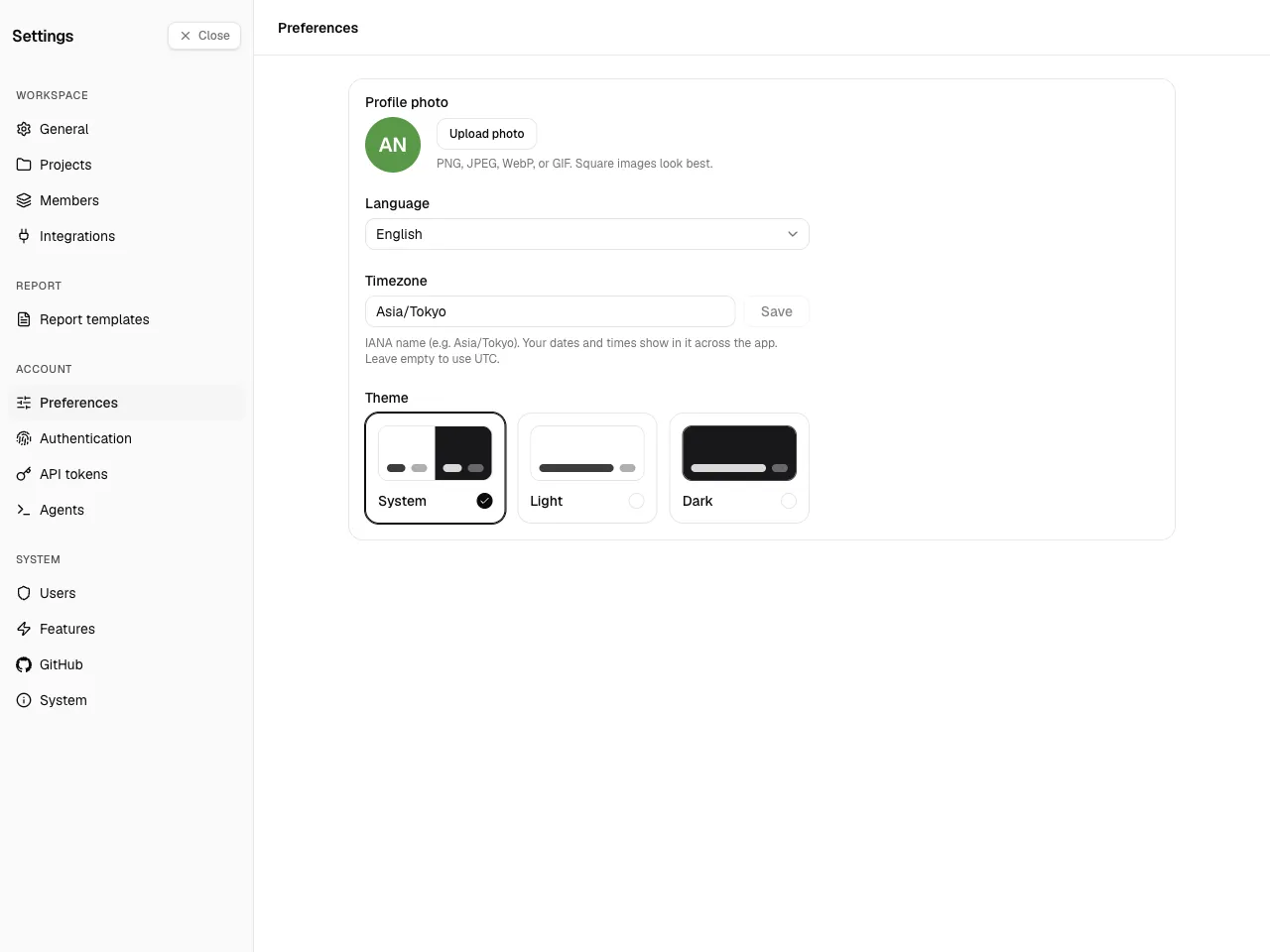
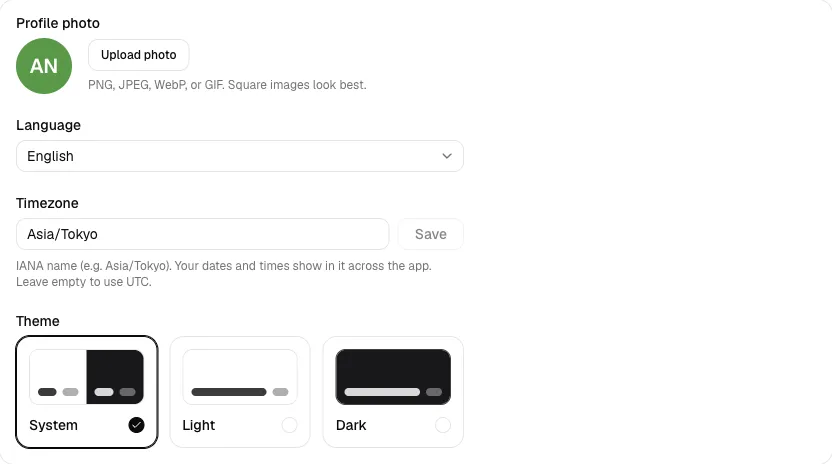
Section titled “Preferences”The Preferences page holds:
- Profile photo — an avatar, shown wherever your work appears.
- Language — the UI language (English or Japanese).
- Timezone — an IANA timezone (for example
Asia/Tokyo). This matters: work-entry dates are frozen in your timezone when you write them, and reports resolve relative date ranges in it. Leaving it unset means UTC. - Theme — system, light, or dark.
Authentication
Section titled “Authentication”Manage your password and your connected Google / GitHub accounts. The available options depend on what your instance enabled.
API tokens
Section titled “API tokens”To use the CLI, MCP, or the REST API, create a personal API token under Settings → API tokens.
- Choose a scope: read, write, or admin. Read and write are enough for logging work and running reports.
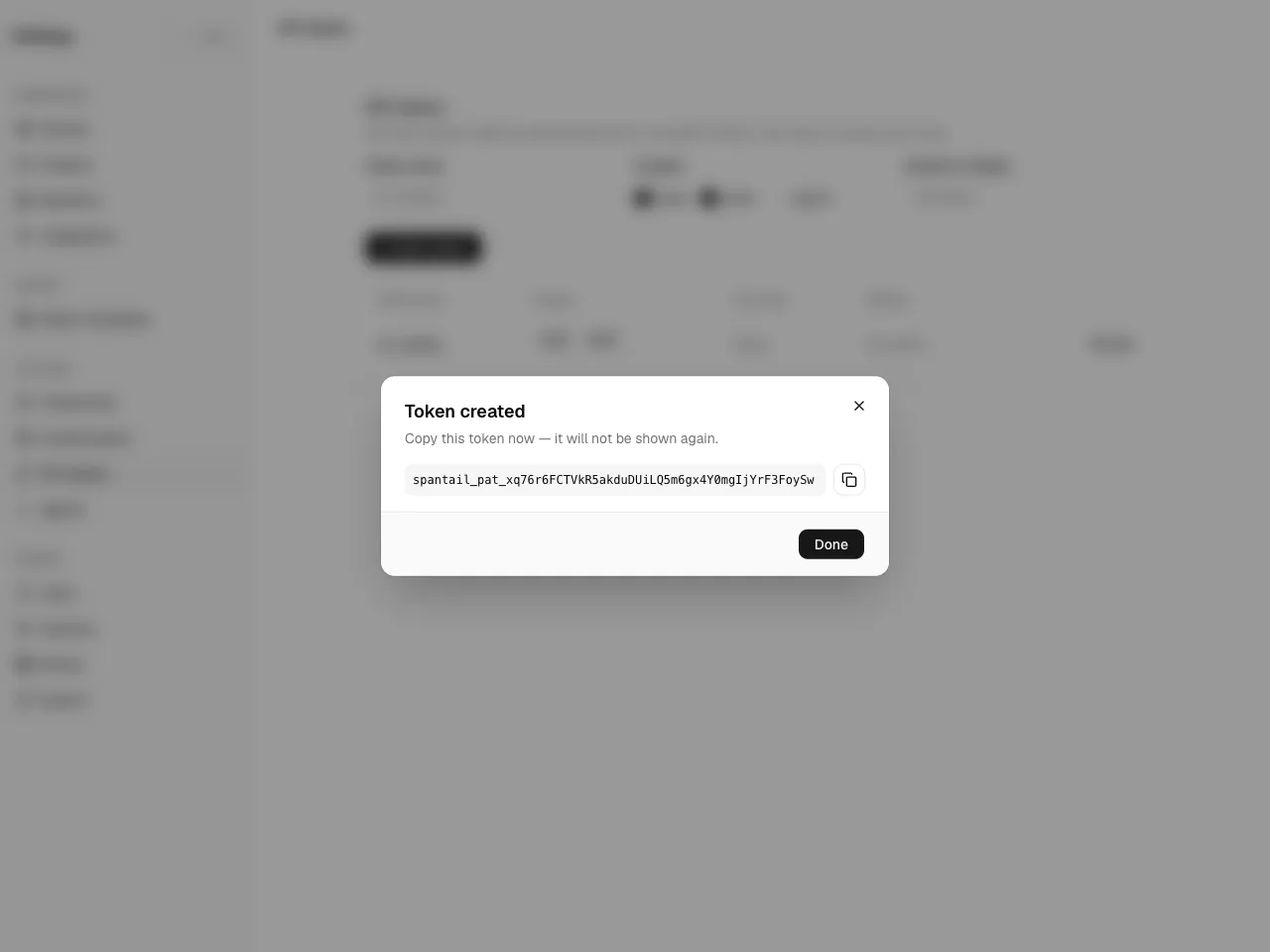
- The token value is shown once, at creation — copy it then. If you lose it, revoke it and create a new one.
- Tokens can be revoked at any time.